
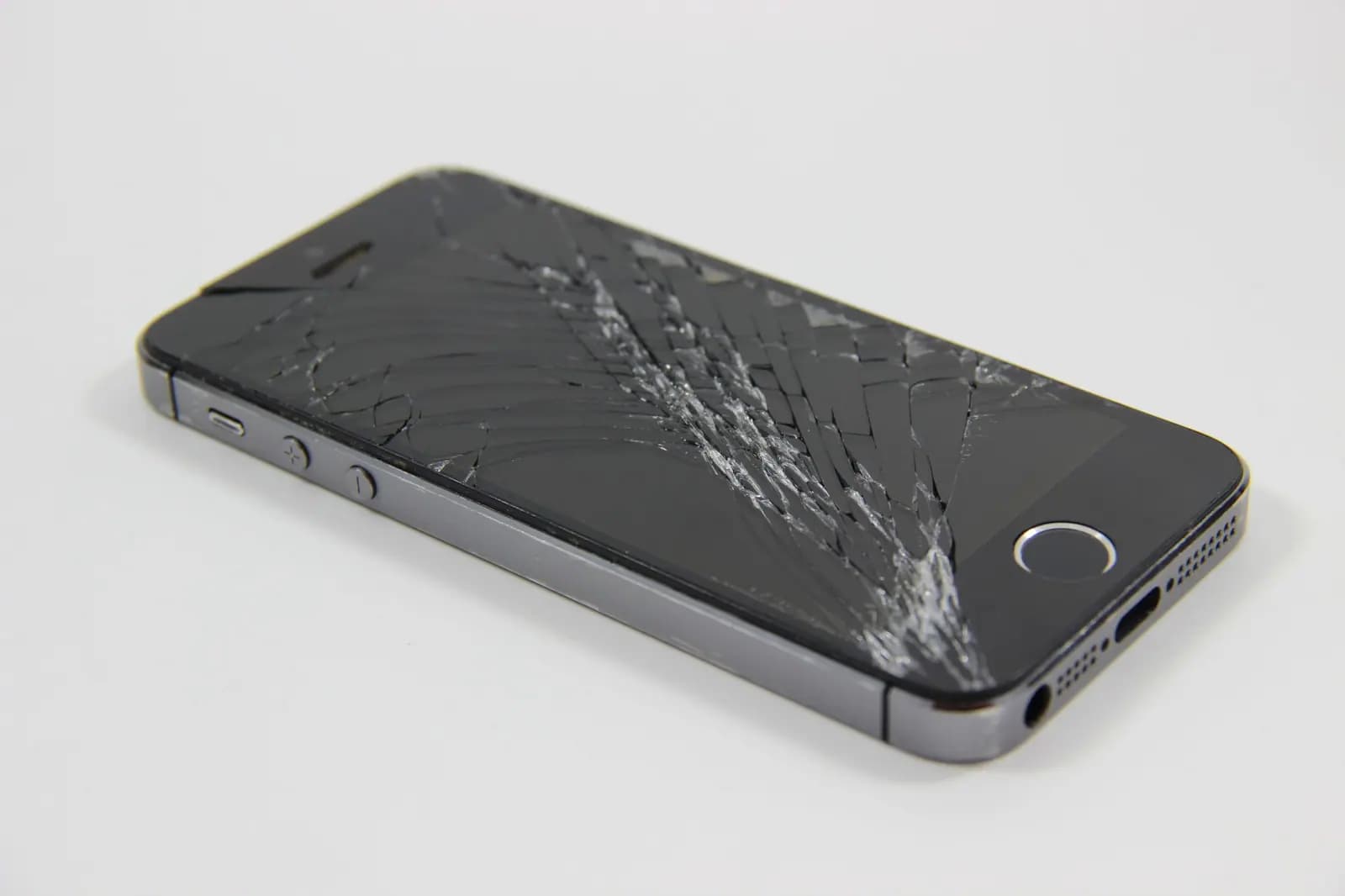
Short answer: if the phone still works and is less than about four years old, replacing the screen is usually far cheaper than a new phone. Replace the phone instead when the repair would cost close to what the phone is worth, or when the phone has other problems as well.
First, work out what is actually broken
A phone screen has two layers: the glass on top and the display underneath that makes the picture and senses touch. The symptoms tell you which one is damaged:
| What you see | What it usually means |
|---|---|
| Cracks, but the picture is clear and touch works everywhere | Only the glass is cracked |
| Black spots, coloured lines or "ink" spreading under the glass | The display panel is damaged |
| Parts of the screen do not respond, or it taps by itself ("ghost touch") | The touch layer is damaged |
| The screen is completely black but the phone rings or vibrates | The display or its connector has failed |
On most modern phones the glass and display are bonded together, so both are replaced as one part — but the symptoms still help the technician check nothing else is wrong.
Don't wait too long
A cracked screen tends to get worse:
- Cracks spread with everyday knocks and temperature changes.
- Small shards of glass can cut fingers or ears.
- A crack breaks the seal that keeps out water and dust, so a "water-resistant" phone no longer is.
Repair or replace? Questions to ask
- What is the phone worth today? Compare the repair quote with the price of the same model used or refurbished.
- Does everything else work? If the battery is also tired, or the charging port is loose, ask for a quote that covers both.
- Is the phone still getting software updates? An old phone that no longer gets security updates may not be worth repairing.
- What part will be used? Ask whether it is an original or a high-quality replacement part, and what the warranty on the repair is. On recent iPhones, iOS shows a message in Settings when the display is not a genuine Apple part — the phone still works, but it is good to know up front.
Before you hand it over
- Back it up if the screen still works (iCloud, Google One or a computer).
- Know your passcode — the technician needs to test the phone after the repair.
- Remove the case and any loose screen protector pieces.
How we handle it
Bring the phone to our shop at 3908 Hastings St — walk-ins are welcome — and we will look at it first and tell you what is damaged and what the repair costs before any work starts. You can also book a repair or call +1 604-213-9933. See phone repair for everything we fix on phones.