Short answer: get the phone out of the water, switch it off, don't charge it, and let it dry with the SIM tray open. If it went into salt water, a pool or a drink — or it acts strangely afterwards — have it checked soon, because corrosion keeps working even after the phone seems dry.
Do this straight away
- Take it out of the water and switch it off if it is still on. Water plus power is what causes short circuits.
- Don't plug it in to check whether it still works. Many phones warn you about liquid in the charging port; don't override it.
- Take off the case and pull out the SIM tray.
- Wipe it dry with a lint-free cloth, and tap it gently with the charging port facing down to let water run out.
- Leave it to dry in a dry room with some air flow, for at least a day before you try to charge it.
What NOT to do
- Don't put it in rice. Rice does not pull water out of a sealed phone, and starch and dust can get into the ports. Apple's own support guidance advises against it.
- Don't use heat — hair dryers, ovens and radiators can damage the battery, screen and seals.
- Don't push cotton swabs or paper into the ports.
- Don't keep testing it by switching it on and off.
Salt water, pool water and drinks are worse
Fresh water dries off; salt, chlorine and sugar stay behind and corrode the circuit board over hours and days. If the phone went into the sea, a pool or a drink, bring it in quickly rather than waiting to see whether it dries out.
"Water-resistant" is not waterproof
Water-resistance ratings (such as IP67 or IP68) are tested with fresh water in a lab, on a new phone. Seals wear out with age, drops and earlier repairs, and manufacturers' warranties usually don't cover liquid damage.
When to bring it in
Have it checked if:
- it went into salt water, chlorinated water or a sugary drink,
- the screen shows lines or spots, or the speaker sounds muffled,
- it won't charge, gets warm, or the battery drains faster than before,
- it was off and won't turn back on.
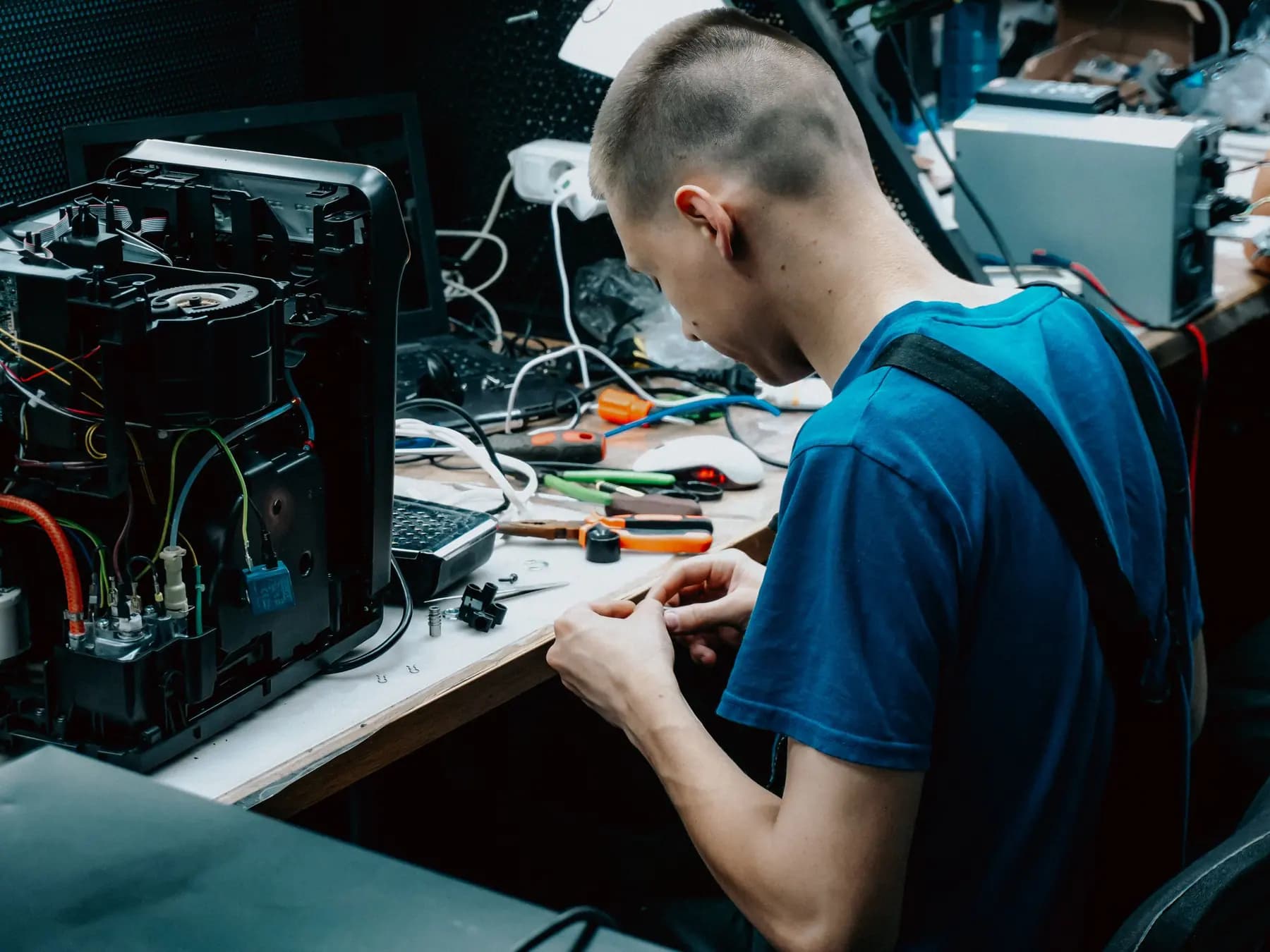
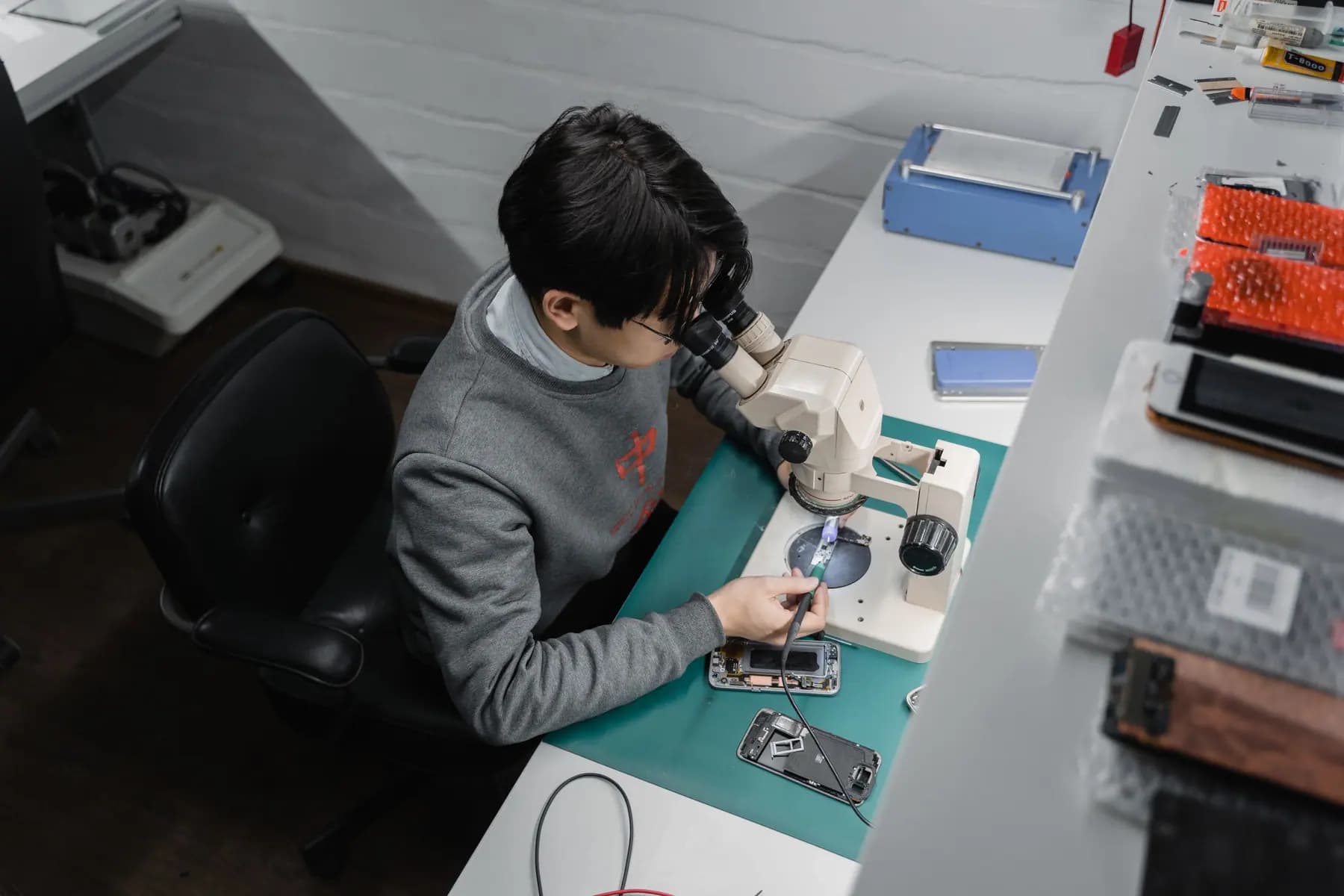
A technician can open the phone, clean corrosion from the board and tell you honestly whether it can be saved — and whether your data can be recovered. Bring it to 3908 Hastings St, book a repair or call +1 604-213-9933. More on phone repair.