
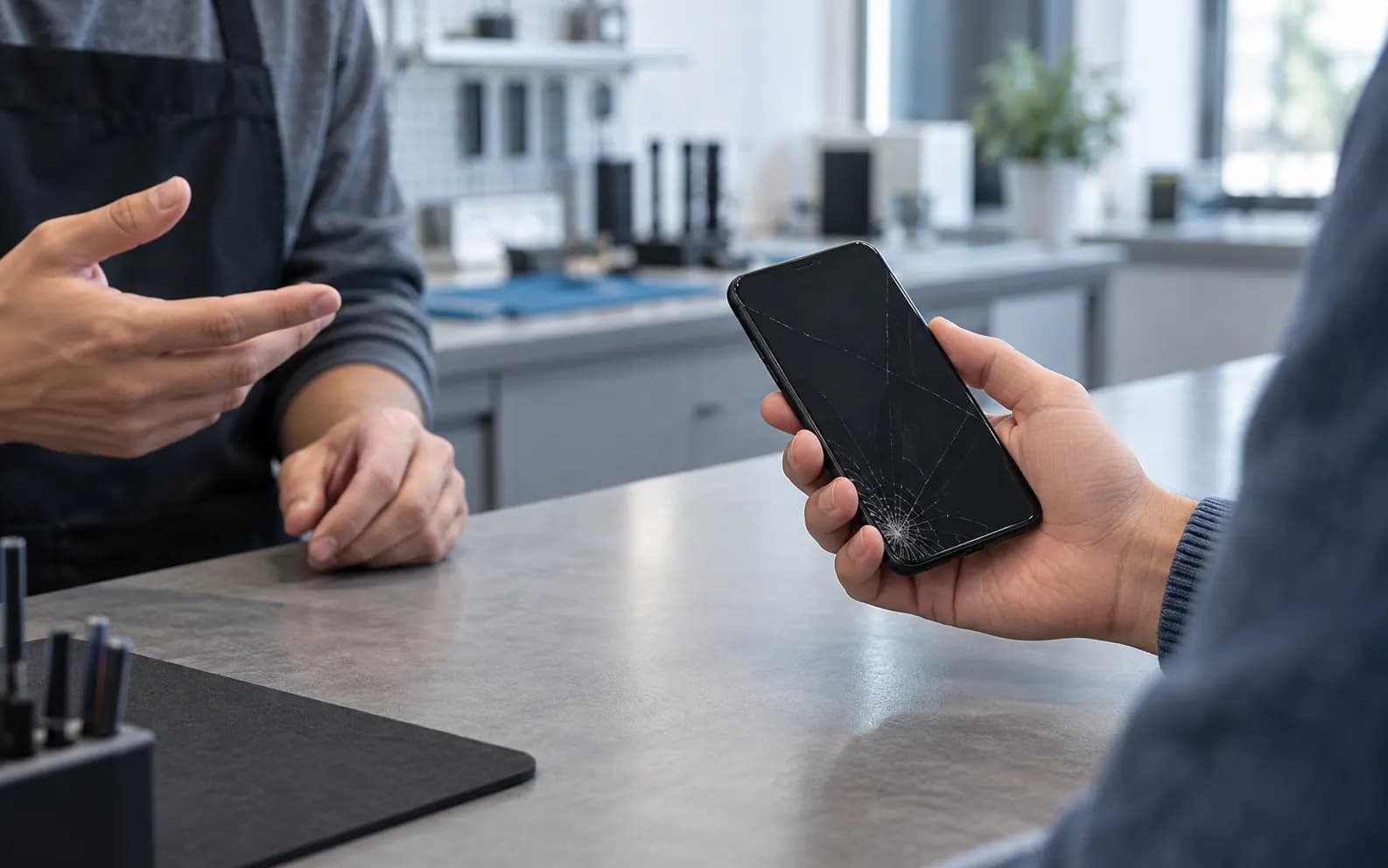
Short answer: back up the phone if it still works, make sure you know its passcode, note exactly what is wrong, and remove the case. That protects your data and lets the technician test everything properly before and after the repair.
1. Back up your phone
Any repair carries a small risk, so back up first whenever the screen still lets you:
- iPhone: Settings → [your name] → iCloud → iCloud Backup → Back Up Now. Or connect it to a computer and back it up with Finder (Mac) or the Apple Devices app or iTunes (Windows).
- Android: Settings → Google → Backup (the exact menu varies by brand), or Samsung Cloud or Smart Switch on Galaxy phones.
- Chats: WhatsApp and some other messaging apps keep their own backup — check it in the app's settings.
If the screen is black or unresponsive, don't worry — tell the technician, and ask about getting your data off before or after the repair.
2. Know your passcode
The technician needs to check that the touch screen, cameras, speakers, Face ID or fingerprint, charging and signal all work after the repair. Without the passcode many of those checks are impossible. If you would rather not share it, say so — you can test the phone together at the counter instead.
3. Write down what is wrong
A short note saves time and avoids surprises:
| Note | Example |
|---|---|
| What happened | Dropped on concrete, got wet, stopped charging |
| What doesn't work | Bottom of the screen doesn't respond, no sound on calls |
| When it started | Last week, after an update, gets worse when warm |
| Earlier repairs | Screen replaced last year |
Also mention anything that does still work — it helps the technician rule things out.
4. Remove the case and accessories
- Take off the case, grips and loose screen protector pieces.
- Keep your SIM card and memory card if the repair doesn't need them; we'll tell you if it does.
- Bring the charging cable if the problem is charging.
5. Don't factory reset unless you're asked
Erasing the phone isn't needed for most repairs, and it means you would have to set everything up again. If a repair does need it, you'll be told before anything happens.
What happens at the counter
We look at the phone with you, confirm what's wrong, and give you the price before any work starts. Walk-ins are welcome at 3908 Hastings St, or book a repair or call +1 604-213-9933 first. See phone repair for everything we fix.